Aviator App 2026:
Android APK & iOS PWA Download Guide
No standalone Aviator app exists - it loads inside casino apps. Download the Android APK, install the iOS PWA, or launch instantly via mobile browser.

Aviator App: Android APK, iOS PWA & Mobile Browser Guide
There is no standalone Aviator app to download on its own. The game is built by Spribe and always runs inside a licensed casino - either through that casino's Android APK, an iOS home-screen PWA, or straight in your mobile browser. Every method loads the same game with the same 97% RTP, so the choice comes down to convenience on your device. Below we cover all three install paths, the safety risks to avoid, and which option fits players in India best.
Three Platform Options
- 01Open the casino's mobile site in Chrome.
- 02Tap the Android / APK download button.
- 03Allow installs from unknown sources.
- 04Install the APK and sign in.
- 05Find Aviator in the crash games tab.
- 01Open the casino site in Safari.
- 02Tap the Share icon at the bottom.
- 03Select Add to Home Screen.
- 04Launch the icon and log in.
- 01Visit the casino in any mobile browser.
- 02Log in or register your account.
- 03Open the live or crash games menu.
- 04Tap Aviator and play instantly.
System Requirements & Compatibility
Aviator is a lightweight HTML5 game, so the demands on your phone are modest. A casino APK typically runs on Android 6.0 and above, while the PWA route needs iOS 13 or newer with Safari. Around 2 GB of RAM keeps the multiplier curve smooth, and a stable connection of 3 Mbps or faster prevents lag during live rounds.
The game logic lives on Spribe's servers, not your device, which is why the 97% RTP is identical across APK, PWA, and browser. Because every round and cashout is processed server-side, a steady connection matters far more than raw phone power - a dropped signal mid-flight is the only real risk to a clean cashout.
PWA vs. Native Casino App - Which Should You Use?
A Progressive Web App (PWA) is a website that installs to your home screen and behaves like an app - its own icon, full-screen view, and fast loading - without going through an app store. The trade-off is that a native casino APK adds push notifications and tighter integration, while the PWA wins on iOS, where APKs simply can't run. The table below maps the practical differences.
| Feature | Native Casino App (APK) | PWA / Mobile Browser |
|---|---|---|
| Install required | Yes - download APK file | No - add to home screen |
| iOS support | Limited | Full |
| Storage | App footprint on device | Near zero |
| Push notifications | Yes | Limited |
| Offline play | No - live game | No - live game |
| Auto-updates | Manual re-download | Automatic |
| Game RTP | 97.0% | 97.0% |
For most India players on Android, the native APK is the recommended route - it loads fastest and keeps your casino one tap away. On iPhone, where APKs can't install, use the Safari PWA instead and you lose nothing on the game itself.

Aviator on Android APK vs iOS PWA - same game, same 97% RTP
Step-by-Step: Android APK Install
-
1Choose a licensed casinoPick an operator that offers Aviator and a real Android app, such as 1Win, Mostbet, or Parimatch.
-
2Find the download linkOpen the casino's mobile site in Chrome and tap its Android / APK button - never a third-party download mirror.
-
3Allow unknown sourcesWhen prompted, enable installs from this browser in Android settings - required for any casino APK outside the Play Store.
-
4Install and sign inTap the downloaded file to install, open the app, then register or log in to your casino account.
-
5Launch AviatorHead to the crash or live games tab, open Aviator, and place a bet from ₹10 - or try demo mode first.
Casinos Offering Aviator on Mobile
All of the operators below are accessible to players in India and serve Aviator on mobile through one or more methods. Android availability tends to be via direct APK, iOS through a Safari PWA, and browser play works everywhere. Always check each casino's own mobile page for the current download status before installing.
| Casino | Android | iOS | Browser / PWA |
|---|---|---|---|
| 1Win | APK | PWA | Yes |
| Mostbet | APK | PWA | Yes |
| Pin-Up | APK | PWA | Yes |
| 1xBet | APK | PWA | Yes |
| Parimatch | APK | PWA | Yes |
| 4rabet | APK | PWA | Yes |
| JeetWin | APK | PWA | Yes |
| Indibet | APK | PWA | Yes |
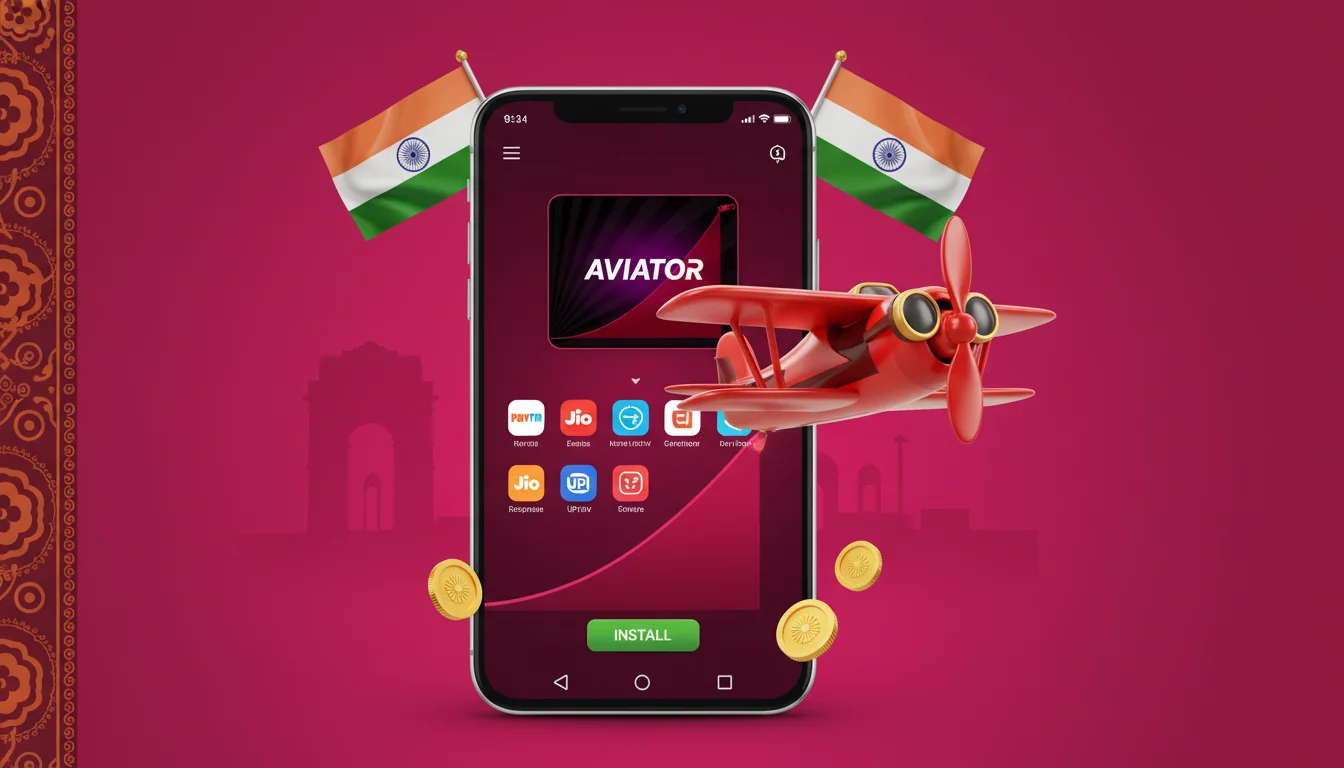
India-facing casino apps that carry Aviator on mobile

Common Issues & Fixes
Most mobile problems fall into three buckets: a blocked install, an APK that won't open, and a game that stutters or freezes mid-round. Nearly all of them trace back to a permission setting or an unstable connection rather than the game itself.
On iPhone, the headaches are simpler - because there's no APK to fight with, almost every issue is solved by using the Safari PWA rather than a third-party browser.
FAQ
Is there an official Aviator app? +
No. Spribe does not publish a standalone Aviator app. You access the game through a licensed casino's Android APK, an iOS PWA, or its mobile browser site. Any independent "Aviator app" is unofficial and unsafe.
How do I get Aviator on iPhone? +
Open your casino in Safari, tap the Share icon, and choose Add to Home Screen. This installs a PWA that runs like an app with the same 97% RTP. Standalone APKs do not work on iOS.
Does the mobile version have demo mode? +
Yes. Demo or free-play mode works on mobile exactly as on desktop, with full multiplier display and autoplay. It lets you learn the cashout timing on virtual credits before betting real money from ₹10.
Does Aviator use a lot of data? +
No. The game is lightweight and streams only the live multiplier, so data use is minimal. A steady connection of 3 Mbps matters far more than total data - the game cannot be played offline.
Is the RTP different on the app? +
No. The 97.0% RTP and 3% house edge are fixed by Spribe and identical across APK, PWA, and browser. No platform or download changes the underlying math.